Tag: google

  • My Full English Launched!

    My Full English Launched!

    Last Saturday was a momentous day. It marked the launch of My Full English. The site aimed at the connoisseurs of the decent fry up.

    The idea came about after a recent away trip to Southampton where we needed a greasy hang over cure. We had to actually interact with a human being to find out where we could get one! Can you believe that!

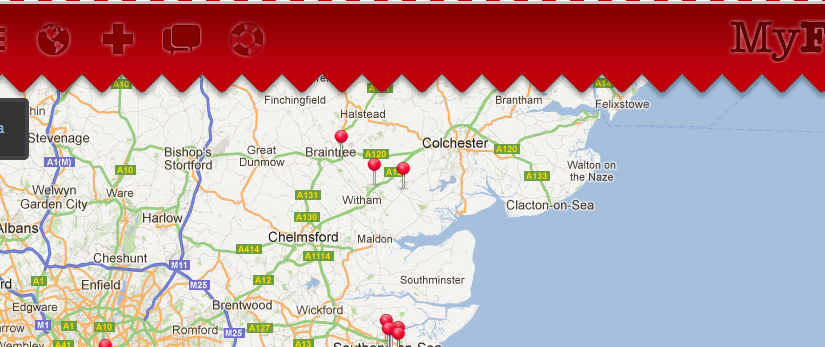
    This is a joint venture between myself and Shane Exley. It uses Google maps to allow users to add their venues which can be anything from a restaurant to your local Cafe. Once a venue is added people can add their personal breakfast reviews along with uploading a photo. The mobile version of the site even allows users to find directions to a venue of their choice.

    We are hoping to get a 100 reviews by the end of next year so please get eating.

    Please let us know your thoughts by adding a comment on the site. Enjoy!

  • Google Marker Events

    My latest project involves using google maps. So far I’ve been very impressed with the API. There are plenty of examples and explanations of how everything works. However, I came across a problem that seemed like a common enough scenario yet the answer could not be found. Eventually, I found this post which helped point me in the right direction.

    I had a similar problem where I had an array of longitudes and latitudes that all required their own events. For each marker, I needed a mouseover and mouseout click function. Again the issue was that the last array items were the values being used regardless of which marker’s event is fired. I needed a way to identify which marker the event was applicable to. The solution was found by using the ‘this’ variable within the event function. From ‘this’ you can use the this.position.c  to find the longitude and the this.position.b to find the latitude of that particular marker. Hope this helps!

      
    // Loop through our list of longs and lats
    for (i=0;i<initialMarkerHolder.length;i++) {
    	google.maps.event.addListener(marker, 'click',function() {
    		alert('log = ' + this.position.c);
    		alert('lat = ' + this.position.b);
    	});
    }